
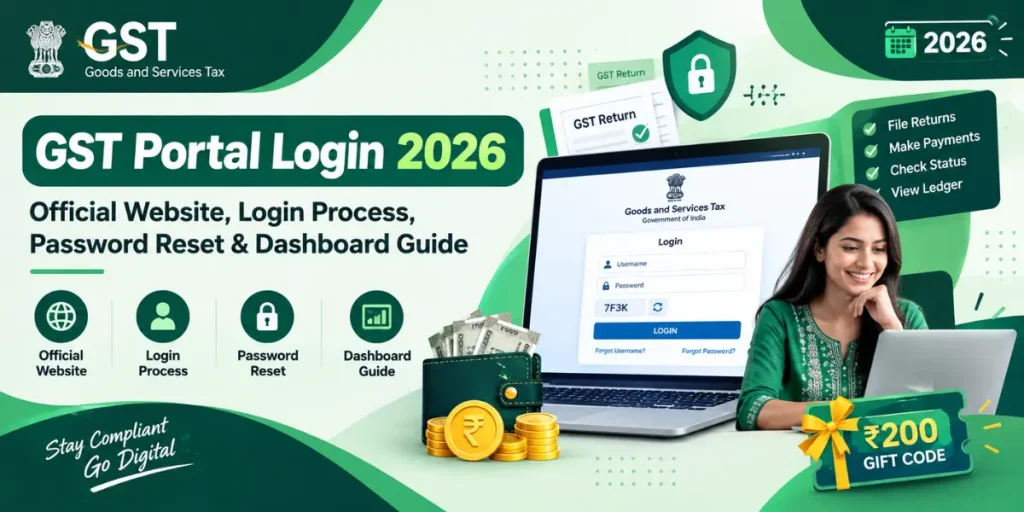
The GST Portal Login facility helps registered taxpayers access important Goods and Services Tax services online. Through the official GST website, users can manage GST returns, check registration details, make tax payments, view ledgers, and access other services related to their business.
Whether you are a business owner, a regular taxpayer, or a first-time user, understanding the GST Portal Login process can make your work easier. You can use the official portal to sign in with your registered username and password, access your dashboard, and complete eligible GST-related activities without visiting a tax office for every task.
In this guide, you will learn how to access the GST Official Website Login, enter your credentials, recover a forgotten password, use the dashboard, and resolve common login problems.
What Is GST Portal Login?
The GST Portal is the official online platform for taxpayers to access GST registration, return filing, tax payment, refund-related services, and other compliance facilities. It is managed through the Goods and Services Tax Network (GSTN).
The GST Portal Login 2026 process allows registered users to enter their accounts using their login credentials. After successful authentication, users can access services according to their registration type and assigned permissions.
Always check that you are using the official government portal before entering confidential business information.
How to Access the GST Portal Login Page?
Follow these steps to open the official login page and access your account.
- Open a web browser on your computer or mobile phone.
- Visit the official GST website at https://www.gst.gov.in/.
- Find and click the Login option on the homepage.
- The login page will appear on your screen.
- Enter your registered username and password in the appropriate fields.
- Enter the captcha code if it appears.
- Click the LOGIN button to continue.
- After successful authentication, you can access your taxpayer dashboard and available services.
Keep your login information ready before starting. If you cannot remember your credentials, use the relevant recovery option instead of repeatedly entering incorrect details.
GST Portal Login Username and Password Requirements
Your login credentials are essential for accessing your registered GST account. A username identifies your account, while your password protects it from unauthorized access.
What Is the GST Portal Login Username?
The GST Portal login username is the user ID created during registration or the first-time account setup process. It is not necessarily the same as your GSTIN.
If you have forgotten your username, visit the official login page and select the Forgot Username option. Follow the instructions and provide the requested registration details to recover it.
How to Manage Your GST Portal Login Password?
Your GST Portal login password should remain confidential. Use a strong password that is difficult for others to guess, and avoid sharing it with employees or unknown individuals.
If you forget your password, use the Forgot Password facility on the official portal. You may need to verify your identity through the registered contact details or other verification steps displayed by the system.
Never share your password, OTP, or security information with anyone claiming to provide unofficial login assistance.
GST New User Login: First-Time Access Guide
If you are using the GST Portal for the first time, you may need to complete the appropriate first-time login or account setup process before accessing your dashboard.
The steps depend on whether you have already registered under GST or are starting a new registration application.
For existing taxpayers who have not completed their initial account setup:
- Open the official GST website.
- Click GST Portal Login.
- Select the first-time login link if it applies to your account.
- Enter the requested provisional or registration credentials.
- Complete the required OTP verification.
- Create your username and password when prompted.
- Set up security questions if requested.
- Submit the details and sign in using your newly created credentials.
A person applying for a new GST registration should use the registration facility under Services > Registration > New Registration. This is different from logging in to an already registered taxpayer account.
Students looking for financial assistance with their education can also explore the Tata Capital Pankh Scholarship Program 2026-27 to learn about eligibility criteria, scholarship amounts, required documents, and the online application process.
For account-specific instructions, consult the official GST user manual.
GST Portal Login Dashboard: Services You Can Access
After a successful sign-in, the GST Portal login dashboard helps you navigate the services available for your taxpayer account. The options displayed may vary according to your registration and user permissions.
Here are some important facilities you may find on the portal:
| GST Portal Service | Purpose |
| Registration | View or update eligible registration details |
| Returns Dashboard | Access applicable GST return filing options |
| Payments | Create challans and access tax payment facilities |
| Ledgers | Check electronic cash, credit, and liability ledger details |
| Refunds | Access eligible refund-related services |
| User Services | Find additional taxpayer facilities |
| Search Taxpayer | Check GST registration details using GSTIN/UIN |
To file returns, open the relevant returns section, select the financial year and return period, and follow the instructions displayed on the portal. Always review the information before submitting a return or making a payment.
GST Payment Login: How to Pay GST Online?
The GST payment login process enables registered taxpayers to access payment-related services through their accounts.
Follow these general steps:
- Visit the official GST website and log in.
- Open the payment or challan-related section.
- Select the applicable tax payment option.
- Enter the required details and generate a challan.
- Review the amount and payment information carefully.
- Select an available payment method and follow the on-screen instructions.
- Check the payment status and relevant ledger after the transaction.
The available payment methods depend on the options provided by the portal. Make sure the GSTIN and payment details are correct before proceeding. If a transaction fails or its status remains unclear, check the official portal and your bank’s transaction records before attempting another payment.
Common GST Login Problems and Their Solutions
Sometimes, users may experience problems while accessing their accounts. The following solutions can help you identify common issues.
1. Incorrect username or password: Check your credentials carefully. If you cannot remember them, use the appropriate recovery option.
2. CAPTCHA error: Enter the characters exactly as displayed. Refresh the CAPTCHA if the portal provides that option.
3. OTP not received: Check your registered mobile number and email inbox, including the spam folder. Use the resend option if available.
4. Website not loading: Check your internet connection, refresh the page, or try another updated browser.
5. Account access issue: If the problem continues, consult the official GST helpdesk or user manual for the relevant error.
6. Login session expired: Return to the login page and sign in again if your session has ended.
Avoid clicking suspicious links that promise instant account recovery. Use only the official website for login and password-related activities.
Frequently Asked Questions (FAQ’s)
How can I check my GST return filing status online?
Log in to the GST Portal, open the relevant return section, and check the filing status for the selected financial year and tax period.
Is GSTIN the same as the GST Portal login username?
No. GSTIN is your Goods and Services Tax Identification Number, while your login username is the user ID used to access your account.
How can I access the GST Portal if my registered mobile number has changed?
Use the official portal’s applicable profile amendment or contact-detail update process. Complete the required verification steps to update your details.
Can I download my GST payment receipt after login?
Yes. You can check the relevant payment or challan records on the GST Portal and download the available receipt or payment confirmation.
What should I do if GST payment is deducted from my bank account but not reflected on the portal?
Check the payment status and bank transaction details first. Avoid making another payment immediately. If the issue remains unresolved, contact your bank or the GST helpdesk.
Can multiple users access the same GST taxpayer account?
Authorized users may access applicable services through the portal’s user-management facilities. Access and permissions depend on the taxpayer account setup, so credentials should never be shared informally.